

How Wunderbook Became a Vital Component in Donnybrook Performance’s Success Story
Donnybrook Performance is more than just a small PT class; it’s a vibrant community that welcomes everyone with open arms, encouraging them to get involved and embrace an active lifestyle. At the heart of Donnybrook Performance is a deep commitment to promoting health and happiness among its members. Each class is not just about breaking a sweat; it’s about fostering a sense of belonging and support for all participants. Whether you’re a seasoned athlete or taking your first steps towards fitness, Donnybrook Performance provides a nurturing environment where everyone can thrive. Together, we’re not just building stronger bodies; we’re building a community where health and happiness go hand in hand.
Dave, a fitness entrepreneur, was previously using GloFox, a well-known booking system for fitness businesses. However, he encountered various challenges with its complex interface and booking process. Seeking a simpler and more efficient solution, Dave transitioned to Wunderbook, a streamlined booking system designed for small businesses like his. Since joining Wunderbook in 2021, Dave has experienced significant growth in his fitness classes, thanks to the platform’s user-friendly interface and innovative features.
Dave needed a booking system that offered simplicity and speed, both for scheduling classes and for his clients to book them. With other booking systems, he found himself spending excessive time navigating through its intricate features, which ultimately impacted his business’s efficiency and profitability. He sought a solution that would not only save him time and money but also attract more clients to his classes.
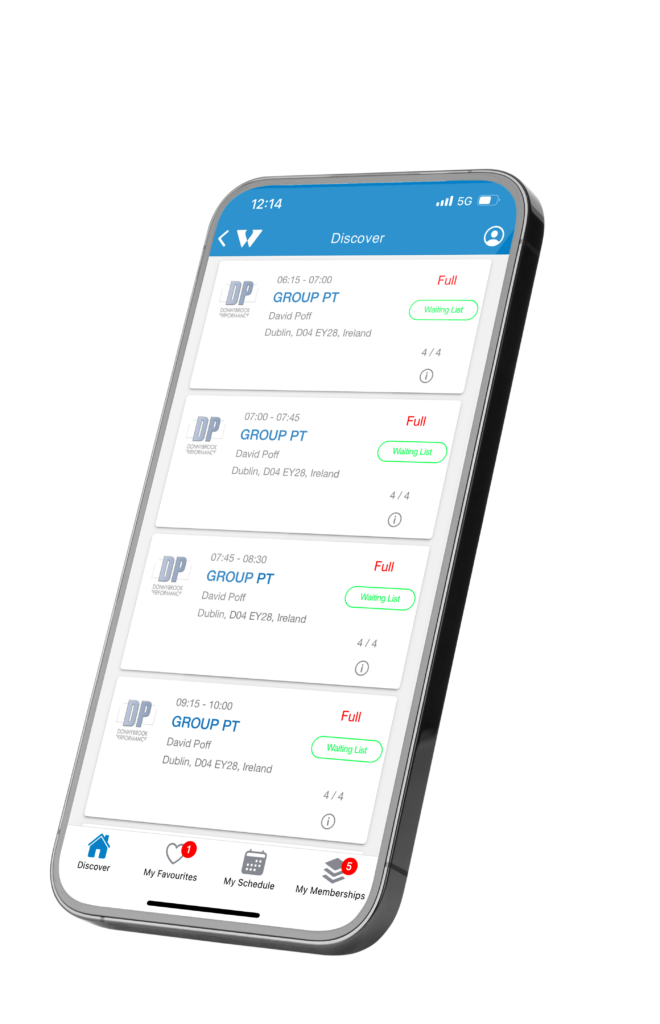
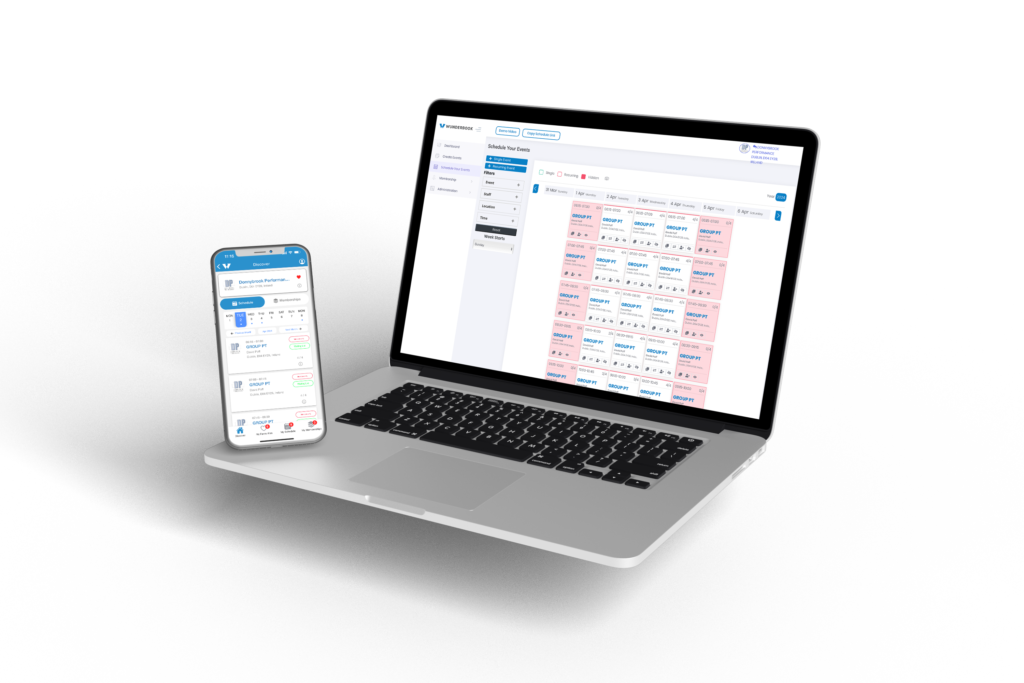
Wunderbook provided Dave with a three-step booking system that perfectly aligned with his needs. Its intuitive interface allowed him to schedule classes quickly, while its seamless booking process enabled his clients to make reservations effortlessly. With options for pay-as- you-go or membership-based bookings, Wunderbook empowered Dave to cater to diverse client preferences, resulting in consistently full classes.
Wunderbook’s core mission revolves around supporting small businesses like Dave’s by offering a simple yet powerful booking solution. By prioritizing ease of use and personalized support, Wunderbook distinguishes itself from larger, impersonal booking systems. Dave appreciates the direct access to Wunderbook’s founder, enabling him to receive timely assistance and guidance whenever needed.
This SOP outlines the steps to navigate and utilize the dashboard for managing users and events effectively.
1. Understanding User Metrics 0:00
Total Users: Represents everyone who has ever booked an event.
Current Members: Active memberships at present.
New Users: Users who booked an event in the current month.
Event Revenue: Total revenue from events booked.
Membership Revenue: Revenue from memberships purchased.
Total Bookings: List of all bookings for the month.
2. Identifying At-Risk Users 0:39
At-Risk Users: Users who have not booked in the last 2 to 8 weeks.
Completed Memberships: Users who completed their membership in the last 30 days.
3. Accessing User Details 1:05
Click on Total Users to view detailed information.
Check for memberships and bookings associated with each user.
4. Reviewing Revenue and Bookings 1:36
Review Event Revenue and Membership Revenue to track financial performance.
Note any bookings that have been cancelled or refunded.
5. Exporting Data 2:08
Use the export function to download data to Excel.
Export at-risk users or total users for further contact.
Ensure to verify the accuracy of user data before taking any actions based on it.
Be cautious when contacting at-risk users; personalize your communication to improve engagement.
Regularly check the dashboard to stay updated on user metrics and revenue.
Set reminders to follow up with at-risk users to enhance retention.
Utilize Excel exports for better data analysis and tracking.