Sauna Market Industry Report 2024: Trends and Growth Insights
The Popularity of Saunas
The global sauna market is experiencing significant growth, projected to expand at a compound annual growth rate (CAGR) of 6.22% from 2023 to 2028. This growth is driven by the increasing focus on wellness and self-care, which has made saunas a popular choice for relaxation and health benefits. The surge in wellness tourism and the incorporation of saunas in luxury hotels and resorts are also major contributors to this trend (Technavio) (Technavio).
How to Grow My Sauna Business
To grow your sauna business, consider diversifying your offerings and targeting various customer segments. Here are some strategies:
- Target Specific Markets: Cater to sports teams, community centres, and luxury destinations by providing customised sauna experiences. New business models like community saunas and destination saunas are emerging rapidly.
- Leverage Social Media: Promote the health benefits of saunas on platforms like Instagram to attract wellness enthusiasts. Sharing customer experiences can build a strong community.
- Engage with Local Authorities: Build relationships with local councils to secure prime locations and support. Start with empathy and learn to speak their language to navigate bureaucratic processes effectively (Technavio) (Market Reports).

Sauna Market in 2025
By 2025, the sauna market is expected to continue its robust growth, influenced by the rising demand for home saunas and the ongoing expansion of wellness tourism. The market size in the US alone is anticipated to grow by USD 126.49 million by 2027, reflecting the increasing adoption of home saunas and advancements in sauna technology (Market Reports) (Technavio).
Important Tips for Sauna Owners
- Understand Local Regulations: Comply with local health and safety standards to ensure the quality and safety of your sauna facilities. Regulatory discussions, such as the adoption of certification standards like the UK Kitemark, highlight the importance of maintaining high standards.
- Build Community Relationships: Foster a welcoming environment to attract and retain customers. Examples from Norway show the success of integrating saunas into the community fabric.
- Stay Updated on Trends: Keep abreast of the latest research on the health benefits of saunas to educate your customers and enhance your services. Hosting events and building a sense of community can significantly contribute to your sauna’s success (Technavio) (Market Reports).
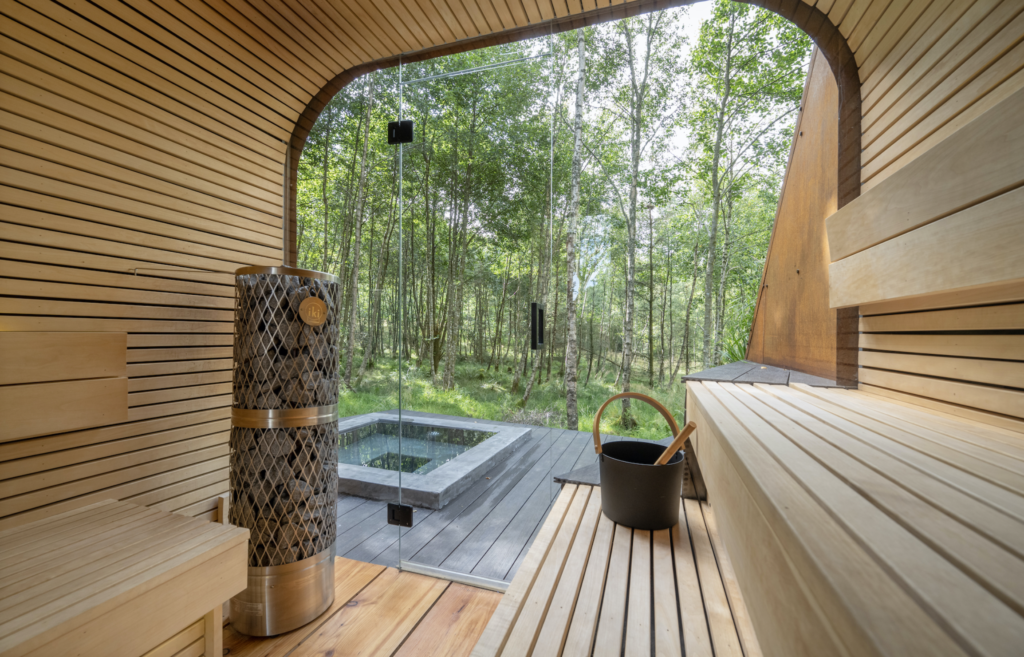

The Sauna Business: Trends and Opportunities
The sauna business is evolving with various trends and opportunities:
- Sustainability: Embrace eco-friendly practices to appeal to environmentally conscious customers. The discussion at the Sauna Summit highlighted the importance of sustainable industry practices.
- Home Saunas: Capitalise on the growing trend of home saunas by offering affordable and easy-to-install solutions. The convenience and privacy of home saunas are major selling points.
- Wellness Integration: Partner with healthcare providers to promote saunas as part of wellness and therapeutic treatments. Social prescribing is becoming more common, with saunas being recommended for conditions like mild depression and loneliness (Technavio)
Conclusion
The sauna market is poised for substantial growth, driven by the increasing focus on wellness, the expansion of wellness tourism, and the rising popularity of home saunas. By staying informed about market trends and adopting innovative business strategies, sauna owners can capitalise on these opportunities and drive their business growth through 2025 and beyond. For more insights and detailed discussions, visit the Sauna Summit.


