

All the Power.

Minus the Cost.

Why pay, when you dont have to?

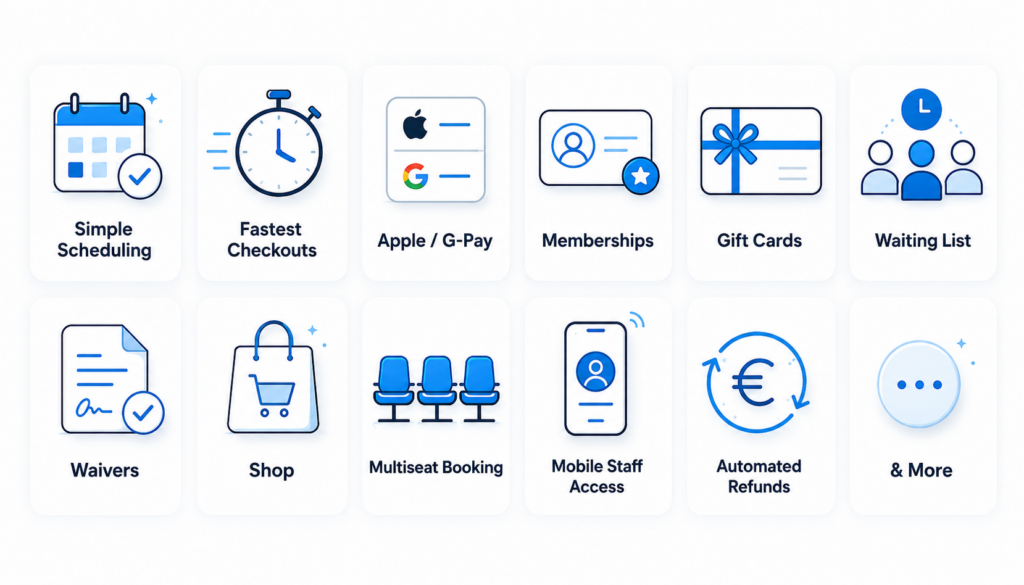
Features that make a difference.

We only make money when you do, so your success genuinely matters to us.

That’s why we speak to our customers, listen to what they need, and focus on building the features that can make a real difference to their business.

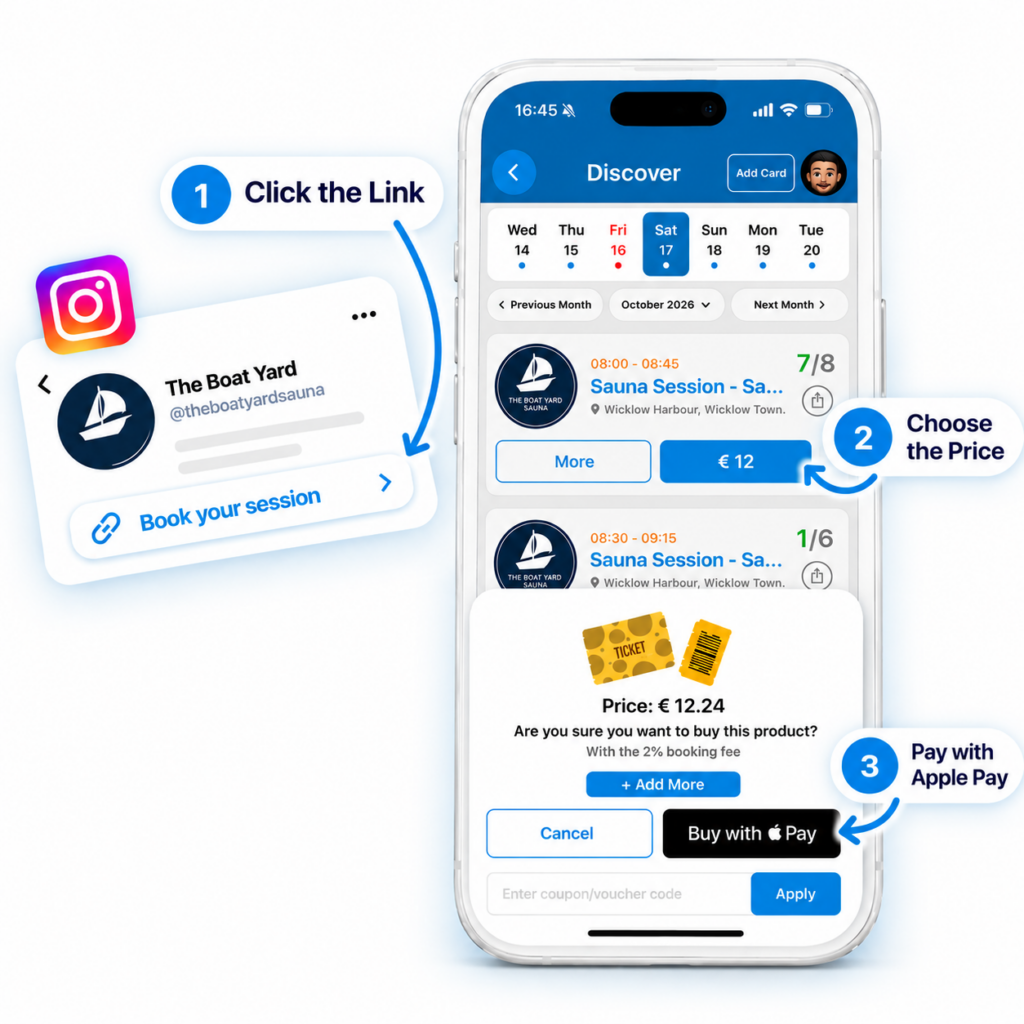
Booking shouldn’t be complicated. While other systems can take 90–120 seconds with unnecessary steps, Wunderbook keeps it simple.

    1. Click the link.
    2. Choose your price.
    3. Pay with Apple Pay or G-Pay.

That’s it! No complicated forms, no hassle, just a fast and seamless booking experience your customers will love.

Less time booking

More bookings complete

Happier customers

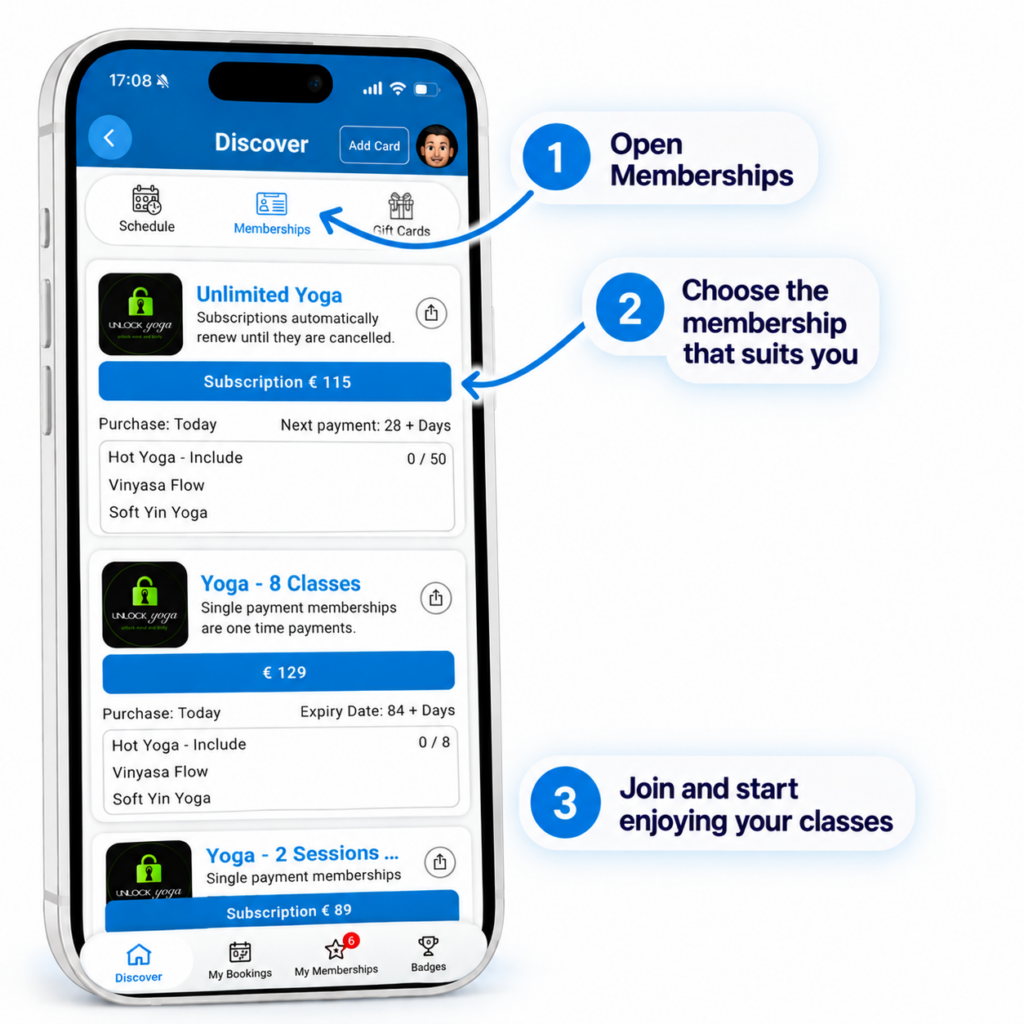
Whether you offer single payments, class packs, recurring subscriptions or fixed-term memberships, Wunderbook gives you the flexibility to sell what works best for your business.

Create memberships that suit your customers, manage everything in one place and make purchasing and booking simple.

From casual customers to your most loyal regulars, we’ve got you covered.

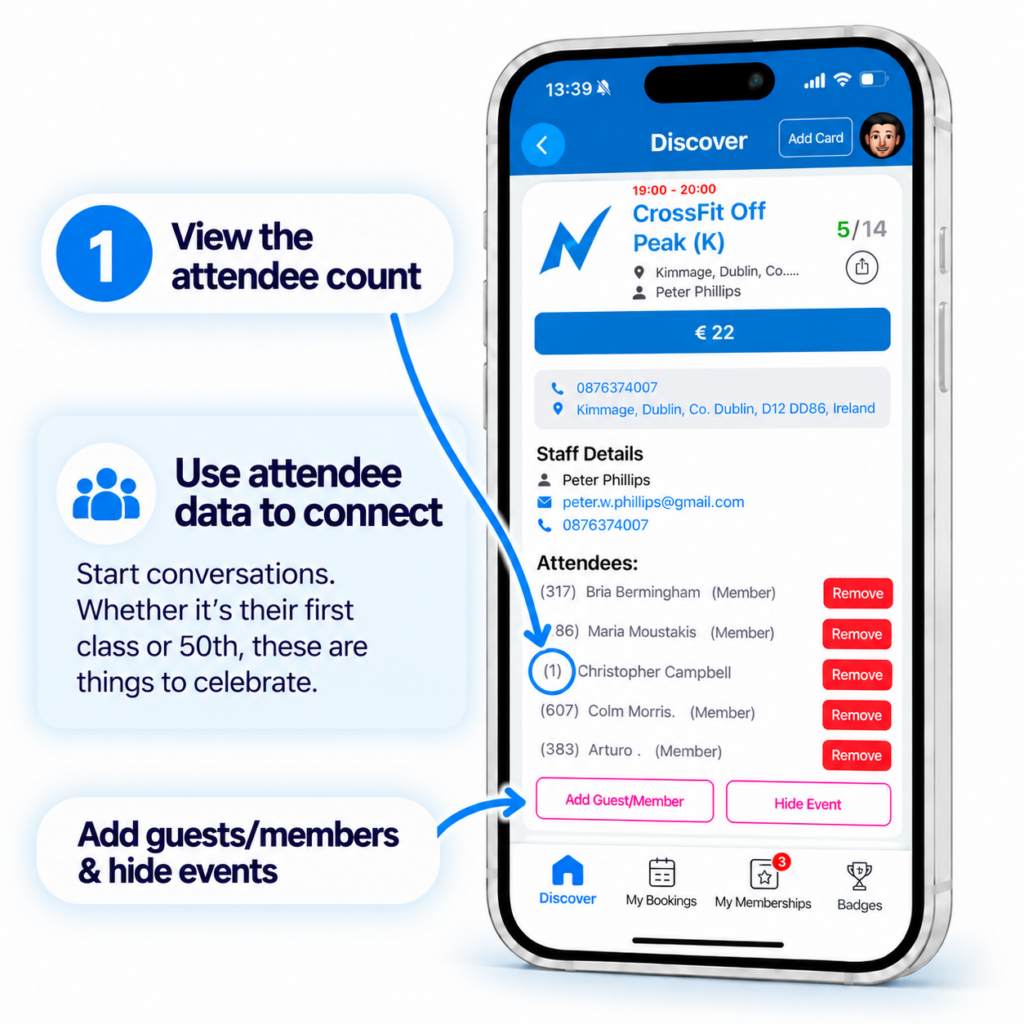
Give your staff the tools they need, right from their phones. They can view upcoming sessions, see who’s booked in, check attendee numbers and manage bookings without needing to contact you.

Whether they’re coaching a class, managing a studio or welcoming customers, everything they need is at their fingertips.

No unnecessary phone calls, no chasing attendance lists and no complicated systems.

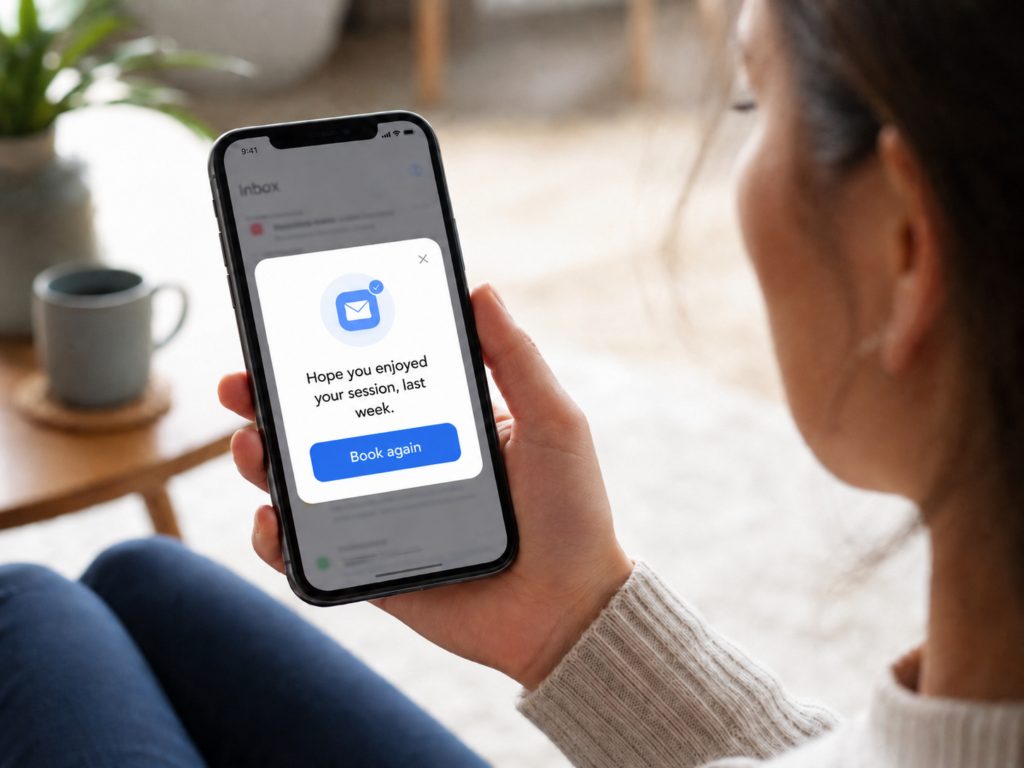
Keeping your existing customers is just as important as finding new ones. That’s why we’ve created automated retention emails designed to bring people back.

When customers haven’t booked in a while, Wunderbook can automatically send them a friendly reminder to return. The emails are already written and ready to go.

No complicated setup, no writing emails and no extra admin. Simply switch them on and let Wunderbook do the work.

You shouldn’t need to be a data expert to understand how your business is performing.

Wunderbook brings your important information together in one simple dashboard. See your new customers, identify those at risk of leaving, track completed memberships and understand how your business is performing.

With actionable insights and AI-powered assistance, you can spend less time digging through reports and more time making decisions that help your business grow.

It’s not just about showing you numbers. It’s about helping you understand what to do with them.

Ready to grow?

Everything you need.
Minus the cost.

We only grow when you do.

That’s why Wunderbook is built to support your business long after you sign up.

Scroll to Top

Who are you?

Wunderbook is built for both businesses and people who love to book.

I own a business

Create your FREE booking system and start taking bookings in minutes

🔒 Secure & easy setup

I want to book events

Find gyms, sauna, pilates/yoga studios and more near you.

📱 Mobile app available in the app stores

Dashboard Overview and User Management SOP

Objective

This SOP outlines the steps to navigate and utilize the dashboard for managing users and events effectively.

Key Steps

1. Understanding User Metrics 0:00

generated-image-at-00:00:00

  • Total Users: Represents everyone who has ever booked an event.

  • Current Members: Active memberships at present.

  • New Users: Users who booked an event in the current month.

  • Event Revenue: Total revenue from events booked.

  • Membership Revenue: Revenue from memberships purchased.

  • Total Bookings: List of all bookings for the month.

2. Identifying At-Risk Users 0:39

generated-image-at-00:00:39

  • At-Risk Users: Users who have not booked in the last 2 to 8 weeks.

  • Completed Memberships: Users who completed their membership in the last 30 days.

3. Accessing User Details 1:05

generated-image-at-00:01:05

  • Click on Total Users to view detailed information.

  • Check for memberships and bookings associated with each user.

4. Reviewing Revenue and Bookings 1:36

  • Review Event Revenue and Membership Revenue to track financial performance.

  • Note any bookings that have been cancelled or refunded.

5. Exporting Data 2:08

  • Use the export function to download data to Excel.

  • Export at-risk users or total users for further contact.

Cautionary Notes

  • Ensure to verify the accuracy of user data before taking any actions based on it.

  • Be cautious when contacting at-risk users; personalize your communication to improve engagement.

Tips for Efficiency

  • Regularly check the dashboard to stay updated on user metrics and revenue.

  • Set reminders to follow up with at-risk users to enhance retention.

  • Utilize Excel exports for better data analysis and tracking.

Link to Loom

https://loom.com/share/dbe6f3898f164cfcad74c2f4f73540c0

Memebrship pricing guide

Learn from others mistakes