The #1 Sauna.

Booking system.

Simple bookings. Fast checkouts. More time for what matters.

REAL BUSINESSES. REAL BOOKINGS.

First Wunder. Then Sauna.

Bring your sauna business into a shared network where customers can discover you, book faster and keep coming back.
Grow your sauna. Grow the community.

Eddie & Amy have been with us for over a year and are currently opening their second premises.

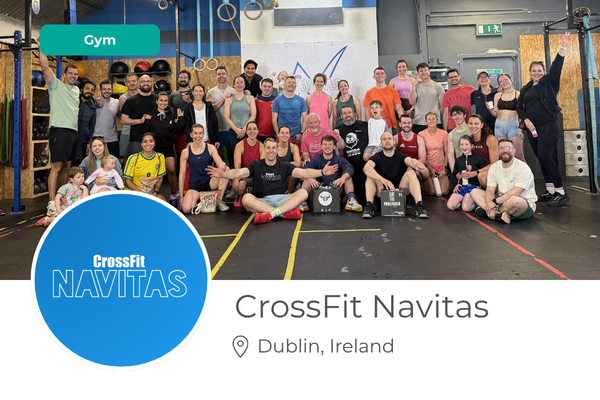
The Navitas team have been with us from the start and have two locations and were sick of the rising cost of their system.

Jill & the team run a very successful studio in Mulingar, as well as holding down family life. Key is keep it simple.

Hear from the business owners

1st SAUNA INSPIRED SYSTEM

Benefits backed by Stats

Wunderbook is designed around how Sauna businesses work and how customers actually book. 

Most sauna bookings happen 1-4 hours before the session, so a slow checkout can cost you bookings.

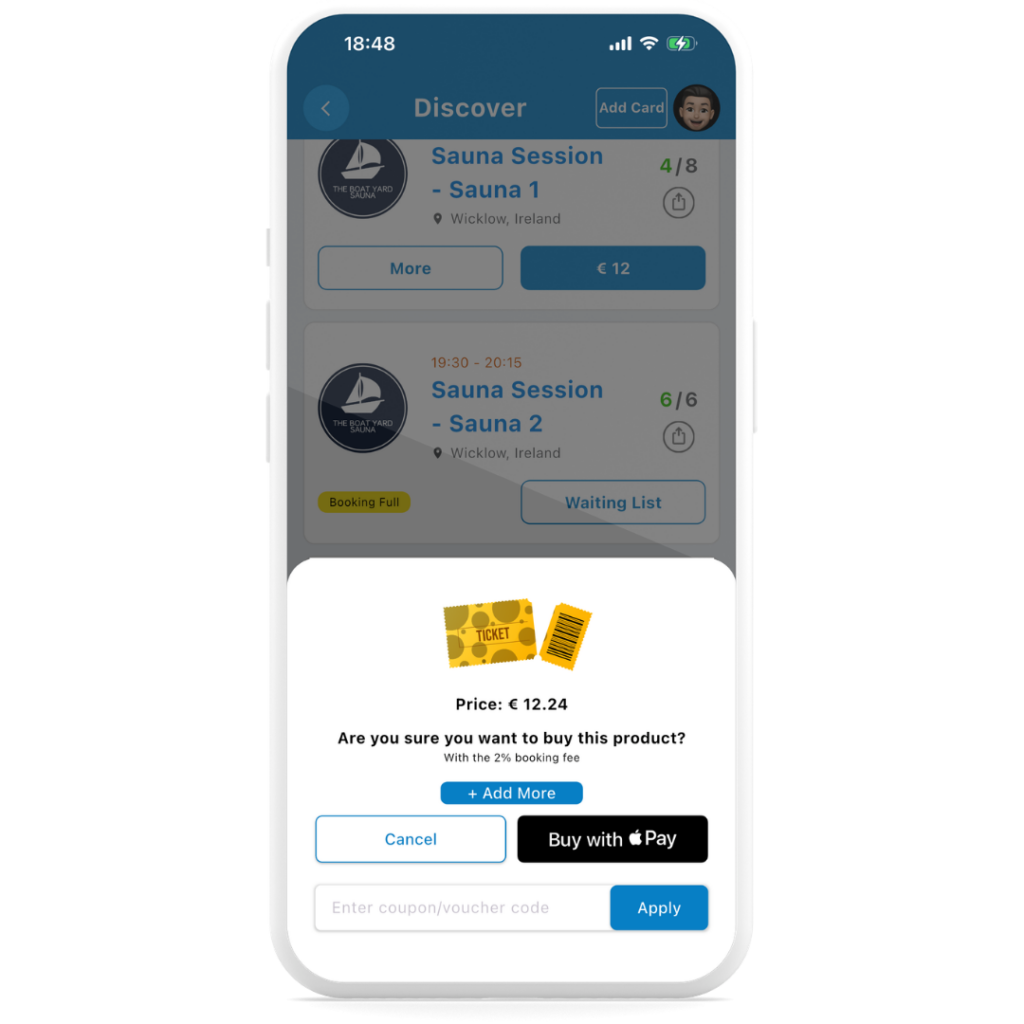
Wunderbooks gets your customers booked in under 30 seconds with Apple & G-pay.

Saunas are social, so booking should be too.

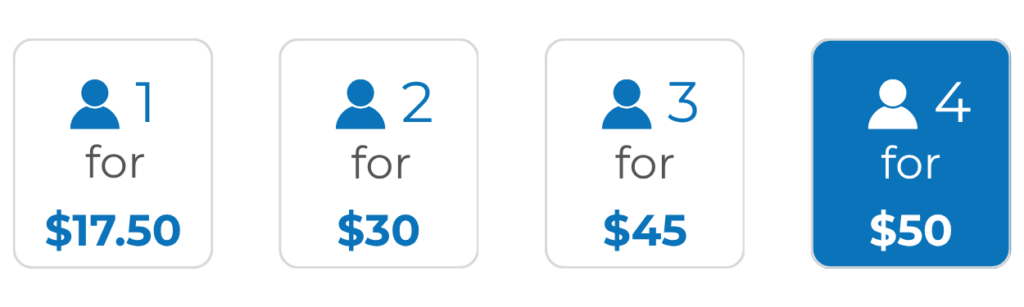
Wunderbook makes group and private bookings simple with one easy multi seat flow and allows you flexible pricing to encourage group bookings. 

Example pricing

Your customers are already on their phones.

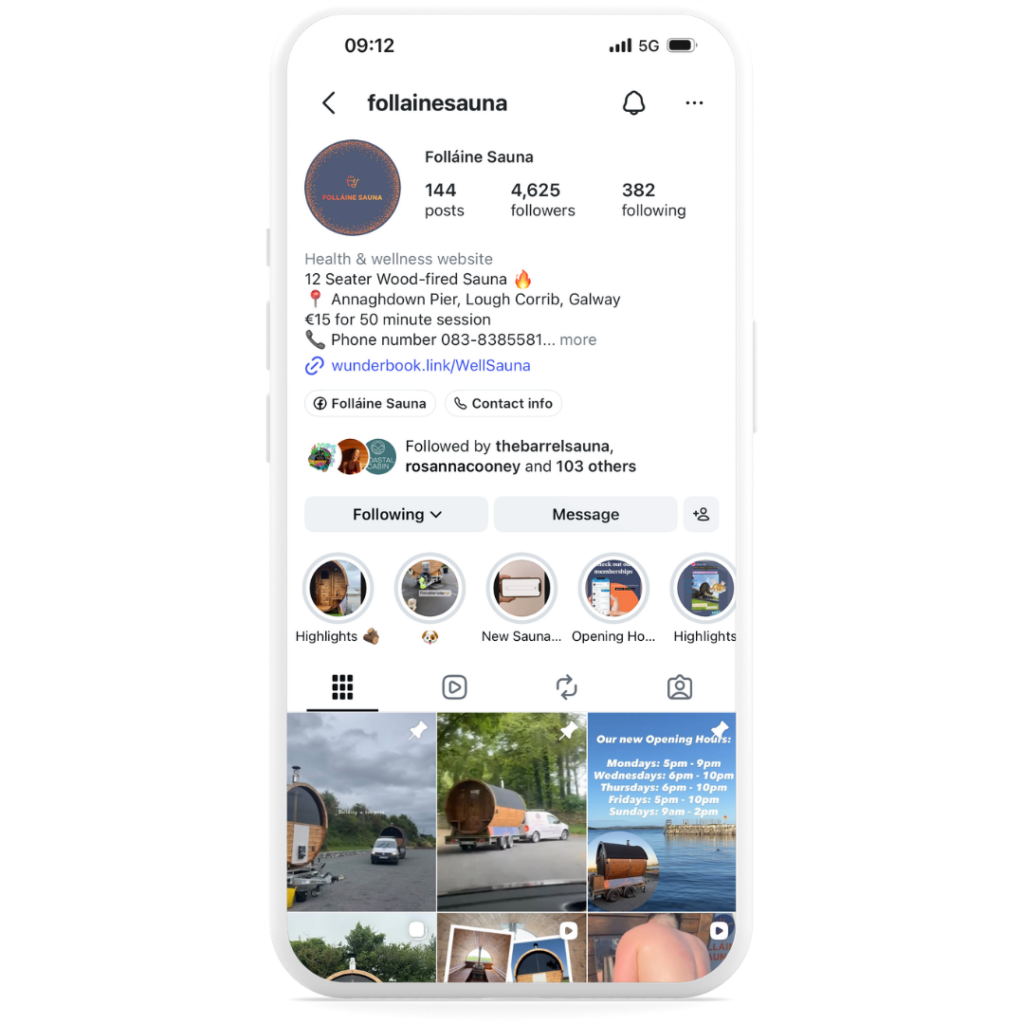
Wunderbook makes it easy to turn your socials, website and messages into simple booking points. Share your link and let customers book in seconds.


The average sauna customer books every 9 days.

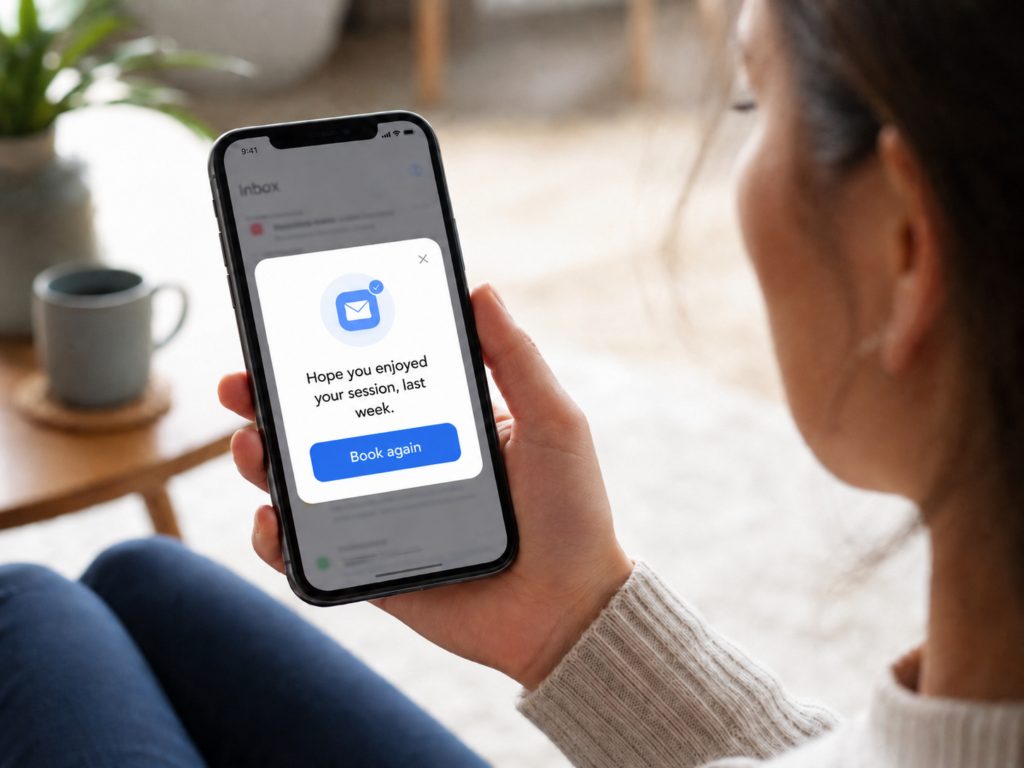
Turn on retention emails and Wunderbook automatically nudges customers to book again. 

Increasing bookings and retentions. 

Make every visit feel personal.
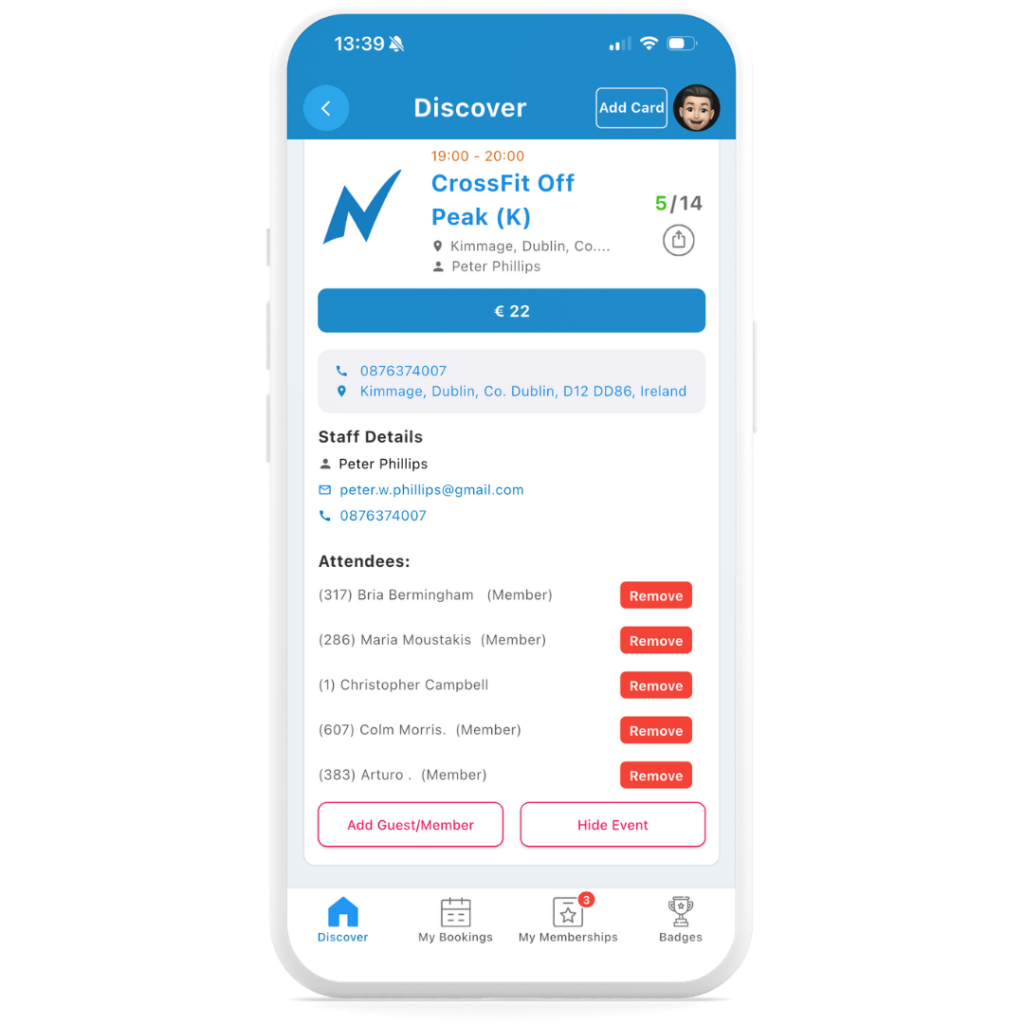
Staff can view the attendee list from their phone, see if it’s a client’s first visit or 100th, and welcome them properly.

It helps your team look professional, start better conversations and make clients feel valued, so they want to come back.

Scroll to Top

Dashboard Overview and User Management SOP

Objective

This SOP outlines the steps to navigate and utilize the dashboard for managing users and events effectively.

Key Steps

1. Understanding User Metrics 0:00

generated-image-at-00:00:00

  • Total Users: Represents everyone who has ever booked an event.

  • Current Members: Active memberships at present.

  • New Users: Users who booked an event in the current month.

  • Event Revenue: Total revenue from events booked.

  • Membership Revenue: Revenue from memberships purchased.

  • Total Bookings: List of all bookings for the month.

2. Identifying At-Risk Users 0:39

generated-image-at-00:00:39

  • At-Risk Users: Users who have not booked in the last 2 to 8 weeks.

  • Completed Memberships: Users who completed their membership in the last 30 days.

3. Accessing User Details 1:05

generated-image-at-00:01:05

  • Click on Total Users to view detailed information.

  • Check for memberships and bookings associated with each user.

4. Reviewing Revenue and Bookings 1:36

  • Review Event Revenue and Membership Revenue to track financial performance.

  • Note any bookings that have been cancelled or refunded.

5. Exporting Data 2:08

  • Use the export function to download data to Excel.

  • Export at-risk users or total users for further contact.

Cautionary Notes

  • Ensure to verify the accuracy of user data before taking any actions based on it.

  • Be cautious when contacting at-risk users; personalize your communication to improve engagement.

Tips for Efficiency

  • Regularly check the dashboard to stay updated on user metrics and revenue.

  • Set reminders to follow up with at-risk users to enhance retention.

  • Utilize Excel exports for better data analysis and tracking.

Link to Loom

https://loom.com/share/dbe6f3898f164cfcad74c2f4f73540c0

Memebrship pricing guide

Learn from others mistakes